Note
Go to the end to download the full example code.
save(): dpi, transparent, format, and file-like targets
save()/savefig() now take a few more matplotlib-familiar knobs:
dpi= renders at a different resolution for this one call only (without
mutating the figure’s own Style.dpi); transparent=True drops the
outer canvas fill, for compositing onto a slide or a colored page;
format= names the format explicitly, which is what lets path be a
file-like object (a BytesIO) instead of a filename – the standard way
to serve a figure over HTTP without touching disk.
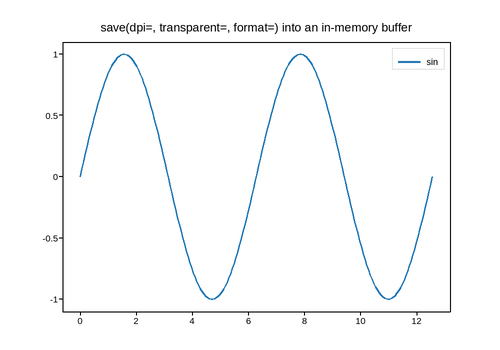
Live figure — pick a tool, then zoom, pan, point-pick or annotate. Nothing is active until a tool is selected.
View this figure’s Vega export ↗ — the raw JSON spec, rendered live by a real Vega engine.
View this figure’s Vega-Lite export ↗ — the raw JSON spec(s), rendered live by a real Vega-Lite engine.
Style.dpi after saving: 100.0
PNG bytes in buffer (300dpi): 60386
PNG bytes in buffer (150dpi): 31634
import io

import numpy as np
import plotpress

fig, ax = plotpress.subplots(figsize=(5, 3.5))
x = np.linspace(0, 4 * np.pi, 200)
ax.plot(x, np.sin(x), label="sin")
ax.legend()
ax.set_title("save(dpi=, transparent=, format=) into an in-memory buffer")

# A one-off higher-resolution, transparent-background export straight into an
# in-memory buffer -- no file on disk, and Style.dpi itself is untouched.
# `format=` is required here since a BytesIO has no filename to infer it from.
buf = io.BytesIO()
fig.save(buf, format="png", dpi=300, transparent=True)
print("Style.dpi after saving:", fig.style.dpi)             # unchanged
print(f"PNG bytes in buffer (300dpi): {len(buf.getvalue())}")

buf_150 = io.BytesIO()
fig.save(buf_150, format="png", dpi=150)
print(f"PNG bytes in buffer (150dpi): {len(buf_150.getvalue())}")
Total running time of the script: (0 minutes 0.324 seconds)