Note
Go to the end to download the full example code.
Clearing and reusing a figure
fig.clf() (or fig.clear()) drops every axes and figure-level
decoration but keeps the figure’s figsize/Style – handy for redrawing
into the same Figure object rather than constructing a new one each time
(e.g. a live dashboard). fig.delaxes(ax)/ax.remove() does the same for
a single axes without wiping the rest of the figure.
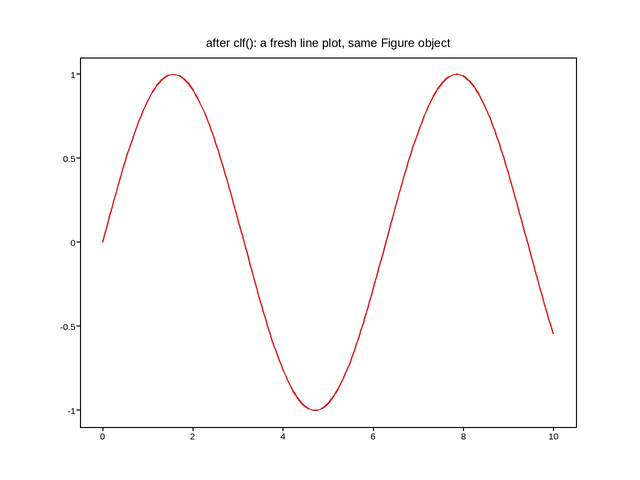
Live figure — pick a tool, then zoom, pan, point-pick or annotate. Nothing is active until a tool is selected.
View this figure’s Vega export ↗ — the raw JSON spec, rendered live by a real Vega engine.
View this figure’s Vega-Lite export ↗ — the raw JSON spec(s), rendered live by a real Vega-Lite engine.
import numpy as np
import plotpress

fig, ax = plotpress.subplots()
ax.scatter(np.random.default_rng(0).standard_normal(200),
           np.random.default_rng(1).standard_normal(200), s=8)
ax.set_title("first draw: a scatter")

# Later -- reuse the same Figure for something unrelated, rather than
# creating a new one:
fig.clf()
ax = fig.add_subplot()
x = np.linspace(0, 10, 200)
ax.plot(x, np.sin(x), color="#d62728")
ax.set_title("after clf(): a fresh line plot, same Figure object")
Total running time of the script: (0 minutes 0.069 seconds)